Machining Components Terminology: A Practical Engineer’s Guide
29 May 2026TL;DR:
- Miscommunication about machining terminology often causes manufacturing errors like misinterpreted datums and improper work offsets. Sharing a precise technical vocabulary across design, programming, and inspection teams reduces scrap and ensures defect-free parts. Understanding GD&T symbols, CNC codes, surface finish units, and machine components is essential for accurate machining, inspection, and process consistency.
Miscommunication around machining components terminology is one of the most consistent sources of manufacturing error, from incorrect datum interpretation to misapplied work offsets that send a tool into a fixture. Engineers, technicians, and students who treat terminology as secondary to hands-on skill often discover the cost of that assumption at the inspection stage. This guide covers the core categories of machining terminology explained with functional precision: GD&T symbols, CNC codes and axes, surface finish callouts, and machine tool vocabulary. The goal is a shared technical language that holds across design, programming, and inspection teams.
Table of Contents
- Key Takeaways
- Foundations of GD&T symbols and datums
- CNC machining vocabulary and programming basics
- Surface finish callouts and Ra interpretation
- Machine tool glossary: key component terms
- What years of machining work taught me about terminology
- Flexible shaft solutions for precision machining environments
- FAQ
Key Takeaways
| Point | Details |
|---|---|
| GD&T datums constrain geometry | A datum reference frame uses primary, secondary, and tertiary datums to constrain all six rigid-body degrees of freedom. |
| Work offsets are not interchangeable | G54 through G59 store distinct zero coordinates; mixing them up causes tolerance stack-up and potential machine crashes. |
| Ra is the standard roughness parameter | Surface finish callouts on machining drawings use Ra in micrometers or microinches depending on the drawing standard in effect. |
| Shared vocabulary reduces scrap | Design, programming, and inspection teams working from the same machining terms glossary produce fewer non-conforming parts. |
| Component terms tie drawings to machines | Understanding toolholder, spindle, turret, and ATC terminology connects drawing callouts to physical machine behavior. |
Foundations of GD&T symbols and datums
Geometric Dimensioning and Tolerancing (GD&T) is the formal language used to specify allowable variation on manufactured parts. It controls five categories of geometric characteristics: form (flatness, circularity, cylindricity, straightness), orientation (parallelism, perpendicularity, angularity), location (position, concentricity, symmetry), profile (surface and line profile), and runout (circular and total). Each characteristic is expressed through a feature control frame, which packages the symbol, tolerance value, and applicable datum references into a single structured callout.
Understanding manufacturing component definitions requires separating two distinct concepts: where to measure from, and what to measure. Datums address the first question. They are theoretically perfect geometric references — planes, axes, or points — from which all tolerance measurements originate. Datums constrain rigid-body motion by eliminating degrees of freedom. A primary datum typically constrains three degrees of freedom, the secondary constrains two, and the tertiary constrains one.

Material condition modifiers and their effect on tolerance zones
Three material condition modifiers appear frequently in machining drawings and each changes how tolerance is interpreted:
- MMC (Maximum Material Condition): The condition where a feature contains the most material within its size tolerance. MMC allows bonus tolerance as the feature departs from maximum material size, which gives assembly designers more flexibility.
- LMC (Least Material Condition): The opposite of MMC. Used when minimum wall thickness or edge distance must be protected.
- RFS (Regardless of Feature Size): The default condition when no modifier symbol is shown. Tolerance applies at any produced size without bonus.
Pro Tip: When reading a feature control frame that calls out position at MMC, calculate the bonus tolerance by finding the difference between the actual produced size and the MMC size. Add that difference to the stated tolerance value to find the total allowable positional variation.
One subtlety that causes persistent inspection discrepancies: physical datum features differ from ideal datums. Real surfaces have imperfections. Datum simulators — the precision tooling used during inspection to approximate the theoretical datum — must hold accuracy at least ten times better than the tolerance being evaluated. Without that margin, datum shift from surface imperfection introduces variation between inspection results from different shops, even when both are following the same drawing correctly.
| GD&T Symbol Category | Examples | Controls |
|---|---|---|
| Form | Flatness, Circularity | Individual feature shape |
| Orientation | Perpendicularity, Parallelism | Angular relationship to datum |
| Location | True Position, Concentricity | Exact location relative to datum |
| Profile | Surface Profile | 3D boundary of a surface |
| Runout | Circular Runout, Total Runout | Variation during rotation around axis |
CNC machining vocabulary and programming basics
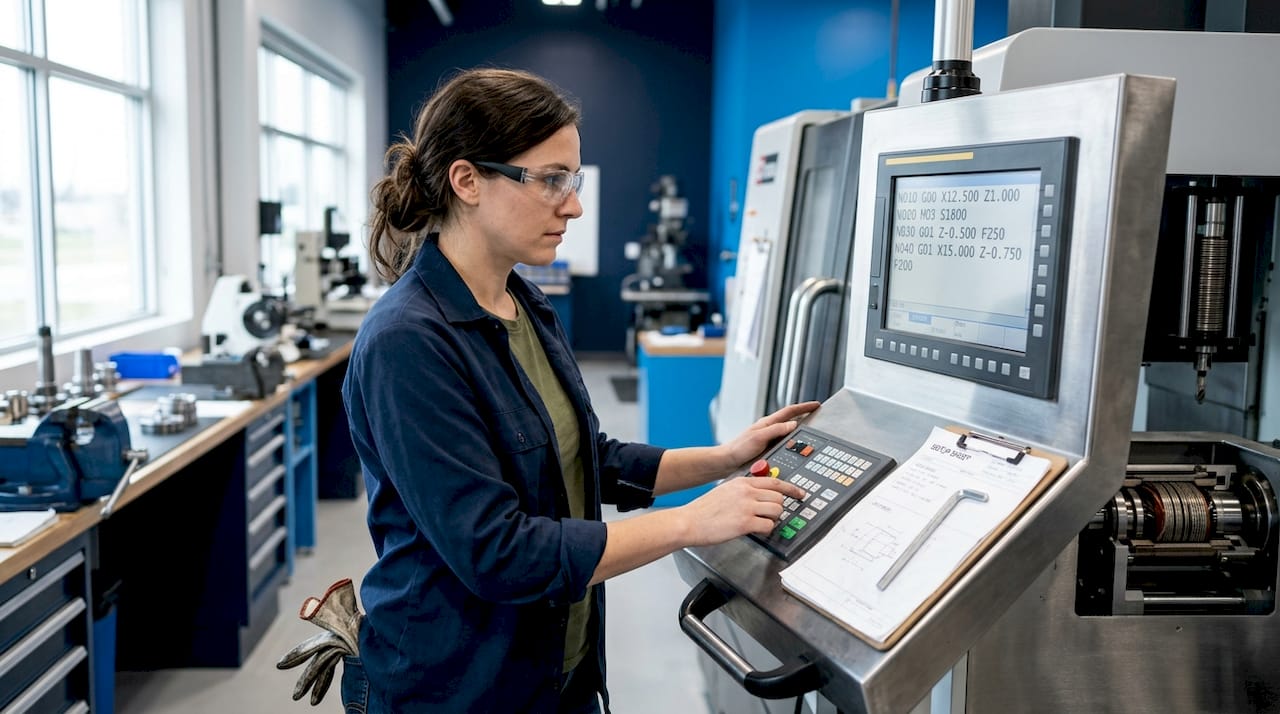
CNC machining vocabulary covers the codes, axes, and system parameters that translate drawing intent into machine motion. Two primary code types govern CNC program structure. G-codes (preparatory codes) control machine motion and modes: G01 for linear feed moves, G02 and G03 for circular interpolation, and G54 through G59 for work coordinate system selection. M-codes control machine functions that are not directly related to tool motion: spindle start and stop, coolant activation, and tool changes.
Work coordinate systems and why offset discipline matters
The work coordinate system (WCS) defines the zero point from which all programmed positions are measured. G54 through G59 are work offsets that store machine-specific zero coordinates. When G54 is active, all X, Y, and Z moves reference that stored position. G54 is a modal command, meaning it stays active until another offset (G55 through G59) is explicitly called. This modal behavior has a practical consequence: if a programmer changes part setup to fixture position G55 but the program still calls G54 at the start of a cycle, every tool move will reference the wrong zero.
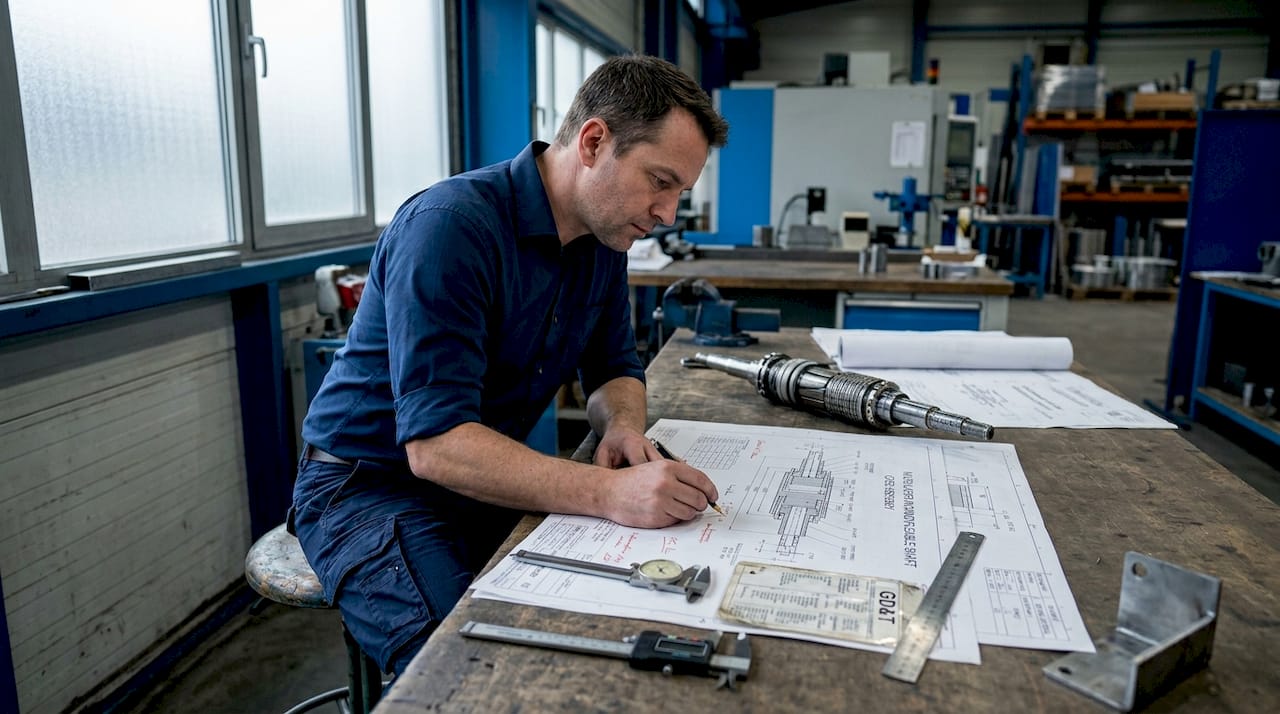
Aligning drawing datums with machine work offsets requires documented mapping. The datum reference frame on the engineering drawing and the WCS in the machine control are related but not identical. Without a setup sheet that explicitly ties drawing datum A, B, C to the machine X0, Y0, Z0 positions, the machinist relies on assumption. Assumption causes scrap.
Pro Tip: Maintain a setup sheet for every job that documents which G-code offset corresponds to which drawing datum. Include the probe measurement values and the fixture number. Treat this document as part of the traveler, not an optional record.
The axis naming convention in CNC follows a right-hand coordinate system. X, Y, and Z define linear motion. A, B, and C define rotary axes around X, Y, and Z respectively. On a 5-axis machining center, simultaneous control of X, Y, Z and two rotary axes allows undercuts, complex contours, and compound angle features that would require multiple setups on a 3-axis machine.
A numbered summary of the sequence from drawing to part:
- Design engineer specifies geometry with GD&T callouts and datum reference frame.
- Programmer maps drawing datums to machine WCS and selects appropriate G54 offset.
- Setup technician probes the part, enters offset values, and verifies with a test cut.
- Inspector measures the part using the same datum references called out on the drawing.
- Any discrepancy between steps 2 and 4 is a documentation failure, not just a machining error.
Surface finish callouts and Ra interpretation
Surface roughness defines the micro-level texture of a machined surface and directly affects part function, whether the concern is sealing performance, fatigue strength, bearing fit, or friction. Surface finish callouts use Ra as the standard parameter on most engineering drawings. Ra is the arithmetic mean deviation of the surface profile measured over a defined sampling length. It does not describe peak height or valley depth specifically, which is why Rz (average maximum height) and Rmax appear on some aerospace drawings where extreme surface events matter more than the average.
Unit conventions vary by drawing standard. ASME Y14.36 typically specifies Ra in microinches (µin), while ISO 1302 uses micrometers (µm). The difference matters: 63 µin and 1.6 µm are approximately equivalent, but a technician who reads “63” from an ASME drawing and interprets it as micrometers will specify a surface over 39 times rougher than intended. Reading units from the title block before interpreting any callout is not optional.
Common Ra ranges and their typical process associations:
- Ra 3.2 µm (125 µin): General machining from turning or face milling. Acceptable for non-critical surfaces.
- Ra 1.6 µm (63 µin): Standard finish milling or turning with controlled feeds. Suitable for mating surfaces without sealing requirements.
- Ra 0.8 µm (32 µin): Fine turning or grinding. Required for sliding fits and some bearing journals.
- Ra 0.4 µm (16 µin): Precision grinding. Used for bearing seats, sealing surfaces, and aerospace structural interfaces.
- Ra 0.1 µm (4 µin): Honing or superfinishing. Required for hydraulic cylinder bores and precision valve seats.
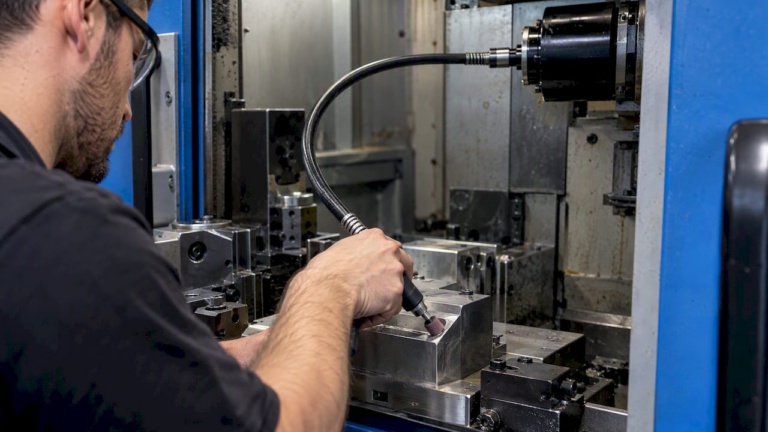
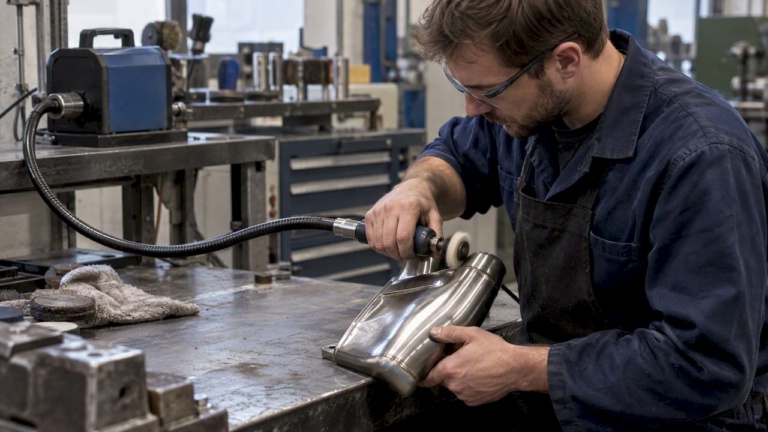
For surface finish process selection, the specified Ra value effectively defines the allowable process range. A deburring or polishing operation using a flexible shaft drive system must be calibrated to hold the specified Ra without removing geometry. Understanding that relationship between finish specification and process capability is a core part of CNC machining vocabulary for any finishing or post-machining operation.
| Ra Value (µm) | Ra Value (µin) | Typical Process |
|---|---|---|
| 3.2 | 125 | Rough turning, face milling |
| 1.6 | 63 | Finish milling, controlled turning |
| 0.8 | 32 | Fine turning, cylindrical grinding |
| 0.4 | 16 | Precision grinding |
| 0.1 | 4 | Honing, lapping, superfinishing |
Machine tool glossary: key component terms
A working knowledge of machine tool component terminology connects what appears on a drawing to what physically occurs in the machine. The following definitions form the core of any practical machining terms glossary for engineers and technicians working with CNC equipment.
- Spindle: The rotating assembly that holds and drives the cutting tool (milling) or the workpiece (turning). Spindle speed is expressed in RPM and matched to material, tool diameter, and cutting speed requirements.
- Turret: On a CNC lathe, the turret indexes through multiple tool positions, allowing multiple operations without manual tool changes. Turret position is called in the program using T-codes.
- Automatic Tool Changer (ATC): A mechanical system on machining centers that retrieves tools from a magazine and loads them into the spindle under program control. ATC capacity ranges from 12 tools on compact VMCs to over 200 on large horizontal machining centers.
- Toolholder: The interface component between the spindle and the cutting tool. Common standards include CAT40, CAT50, BT40, HSK-A63, and Capto. The toolholder affects runout, rigidity, and tool change repeatability.
- Fixture: A device that locates and clamps the workpiece in a repeatable position relative to the machine WCS. Fixture design determines how drawing datums are physically realized in the machine.
- Machine bed: The structural base of a machine tool. Rigidity of the bed determines the machine’s resistance to cutting forces and its contribution to dimensional accuracy.
- VMC (Vertical Machining Center): A machining center with a vertical spindle axis. The tool approaches the workpiece from above, making it suited for prismatic parts machined from one face.
Pro Tip: When reviewing a new part program, confirm that the tool offsets stored in the controller match the actual measured tool lengths before the first cycle. A tool offset error of even 0.5 mm in Z will cause a dimensional error on every feature that program machines.
Connecting industrial machining components to their programming equivalents requires understanding how each physical element maps to a code or parameter. The spindle maps to the S-word (spindle speed) and M03 or M04 (direction). The ATC maps to T-codes and M06. The fixture maps to the active G5x offset. When all three layers — component, parameter, and drawing intent — are understood together, setup errors become much easier to identify before they produce scrap.
What years of machining work taught me about terminology
I have seen talented machinists run a part to completion, hold every dimension within tolerance, and then fail inspection because the datum called on the drawing was not the surface they referenced during setup. The drawing said datum A was the bottom face. The setup sheet referenced the vise jaw. Both surfaces were parallel. Close enough to pass a visual check, not close enough to pass a CMM.
That kind of error does not come from lack of skill. It comes from terminology gaps between the design and shop floor teams. The engineer who created the drawing understood the datum reference frame. The machinist who set up the job understood workholding. Neither fully understood the other’s vocabulary, so the connection between drawing intent and machine setup was never verified explicitly.
In aerospace applications, where positional tolerances on fastener holes run to ±0.1 mm and profile tolerances on aerodynamic surfaces run tighter still, that gap is simply not acceptable. The distinction between nominal and manufactured geometry requires a documented chain from drawing datum to inspection datum, with no assumptions permitted anywhere in that chain.
My recommendation: build a shared terminology reference that covers GD&T symbols, WCS offset conventions, surface finish units, and machine component definitions. Post it where machinists, programmers, and inspectors all access it. Treat it as infrastructure, not documentation overhead. Every hour spent aligning vocabulary across a team returns many hours of avoided rework.
— Uli
Flexible shaft solutions for precision machining environments
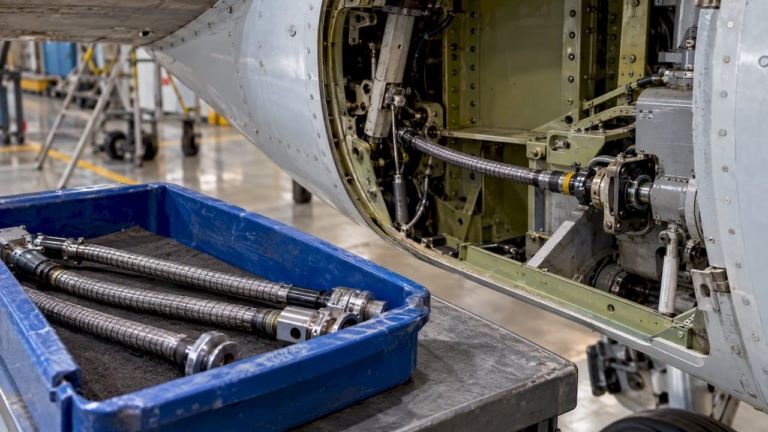
Understanding machining components terminology is foundational. Applying it effectively in complex machine designs requires components that meet the same standard of precision. Biax-flexwellen designs and manufactures flexible shaft drive systems used in deburring, grinding, polishing, and surface finishing operations across industrial and aerospace environments. Flexible shafts transmit torque and rotation through confined or geometrically constrained installation paths, reaching surfaces that rigid drive systems cannot access without fixture redesign.
For machine builders specifying drive solutions on components with tight surface finish requirements, the flexible shaft design options available from Biax-flexwellen cover a range of torque ratings, RPM specifications, coupling interfaces, and protective sheath configurations. Each configuration is selected based on the specific application constraints: installation geometry, required surface Ra values, operating duty cycle, and coupling compatibility with the spindle or tool interface.
Engineers working on aerospace structures, valve actuation systems, or confined machining environments are encouraged to contact Biax-flexwellen directly with torque and RPM requirements to receive application-specific engineering guidance. Specifications and custom configurations are available through the Biax-flexwellen contact page.
FAQ
What does machining components terminology cover?
Machining components terminology covers the defined vocabulary used to describe machine tool parts, GD&T symbols, CNC codes, surface finish parameters, and workholding systems. It provides a common technical language for design, programming, and inspection teams.
What is the difference between a datum on a drawing and a work offset in CNC?
A datum on a drawing defines the theoretical reference geometry for tolerance measurement. A work offset (such as G54) defines the machine coordinate zero point. These must be explicitly mapped in setup documentation; they are related but not automatically aligned.
Why does Ra unit confusion cause manufacturing errors?
ASME drawings typically specify Ra in microinches while ISO drawings use micrometers. The numerical values differ by a factor of approximately 25.4, so misreading units produces a surface that is either far too rough or unnecessarily refined for the application.
What is MMC and when does it apply?
Maximum Material Condition (MMC) is the state of a feature at its largest allowable size for a shaft or smallest allowable size for a hole. When MMC is specified in a feature control frame, bonus positional tolerance is granted as the feature departs from that condition.
How does ATC terminology affect CNC program structure?
The Automatic Tool Changer is called through T-codes (tool selection) and M06 (tool change execution) in a CNC program. Understanding this terminology allows programmers to sequence tool changes correctly and helps technicians troubleshoot ATC faults during setup verification.
Recommended
- Precision engineering terminology explained for manufacturing
- Step by Step Shaft Design for Precision Applications
- Flexible shaft guide: Engineering compact drive solutions
- Flexible Shafts in Automation: Precision in Tight Spaces – BIAX Flexwellen
Related Topics
Send your spec inquiry
Custom flexible shafts for your application — we quote within 1 working day.